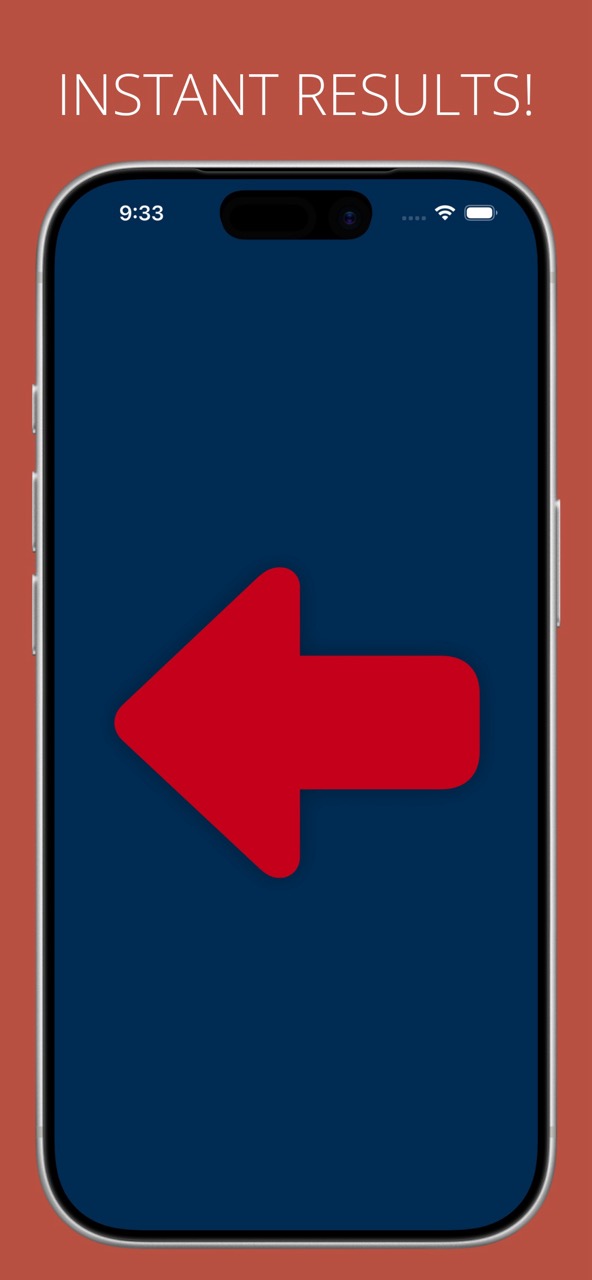
Tap the screen and a big arrow points one way or the other. Large enough for a queue, a class or a gym floor to read from a distance, and random enough that nobody can argue with it.

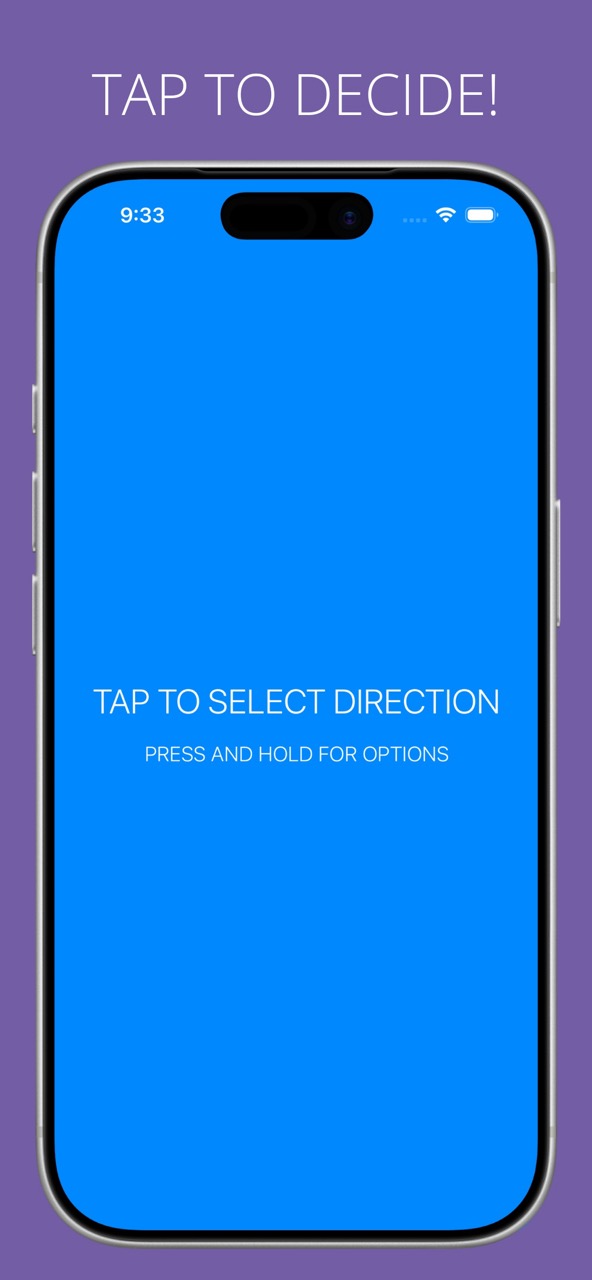
Open the app and the whole screen becomes the button. Tap it, and an arrow points left or right.
There is nothing to read, nothing to set up first, and nothing on screen competing with the answer.
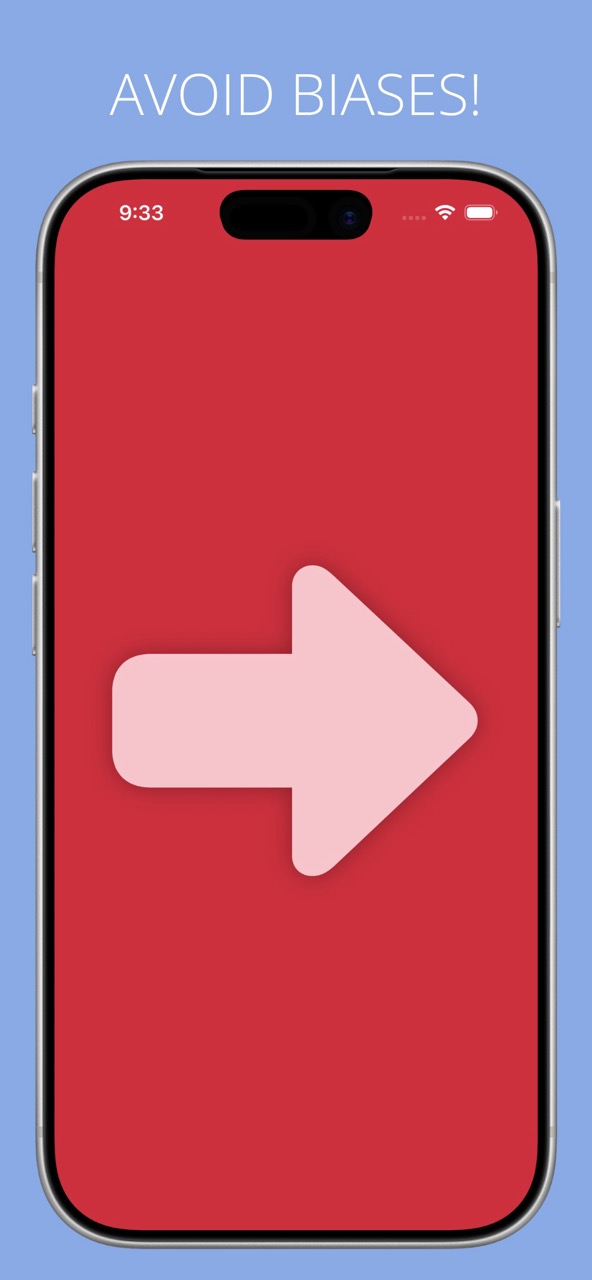
The arrow fills the display in a solid colour, so a group standing back from the phone can still tell which way it points.
Prop it up at the front of a queue and people sort themselves out without you calling directions all afternoon.
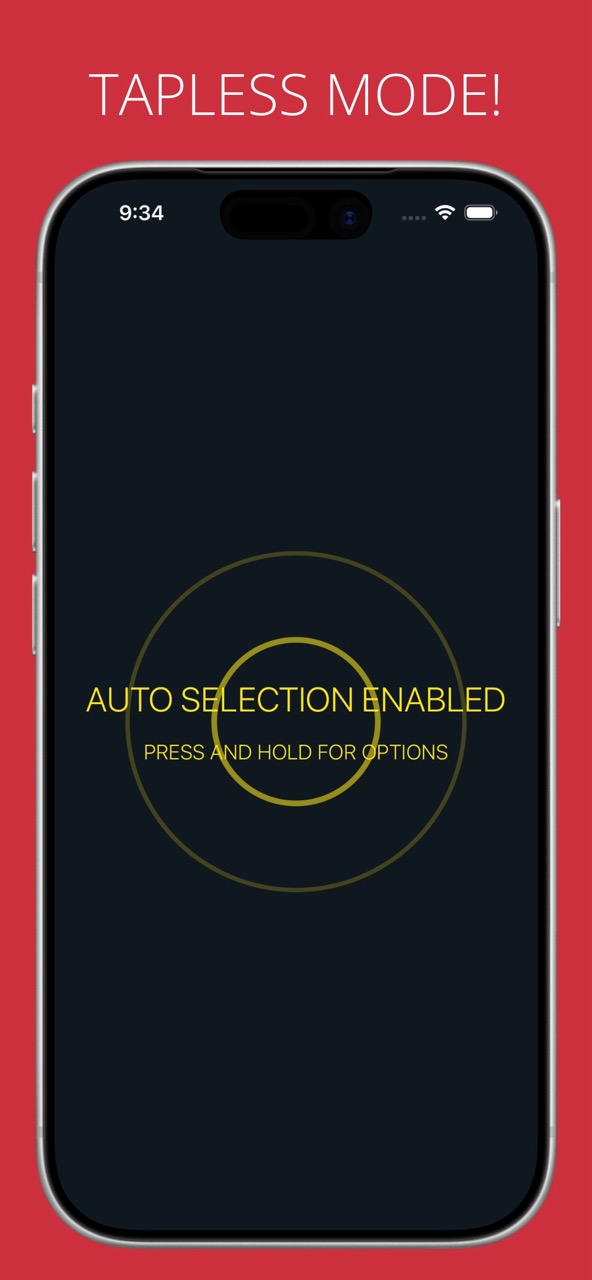
Automatic mode shows the next arrow every few seconds with nobody touching the screen.
Useful when your hands are busy: running a workout set, marshalling a line, or keeping a game moving while you watch the players instead of the phone.
Settings live behind a long press, so they stay out of the way while you are using the app.
People are bad at picking at random, and everyone knows it. Handing the decision to the phone takes the argument out of splitting a group, choosing who goes first, or deciding which way a game turns next.
Randomizer collects no information from its users, personal or otherwise. Nothing is stored on our servers, and no data ever leaves your device.
No account, no sign-up, and no reason for the app to go online at all.
Tap the screen and Randomizer fills it with an arrow pointing in a random direction. Out of the box that is left or right, and you can add up and down in settings. The arrow is large enough for a room full of people to read at a glance, so it works as a group instruction rather than something one person squints at.
Event planners feeding people into evenly balanced queues, teachers breaking a class into groups, anyone running aptitude games with children or in aged care, and people at the gym who want their workout order decided for them.
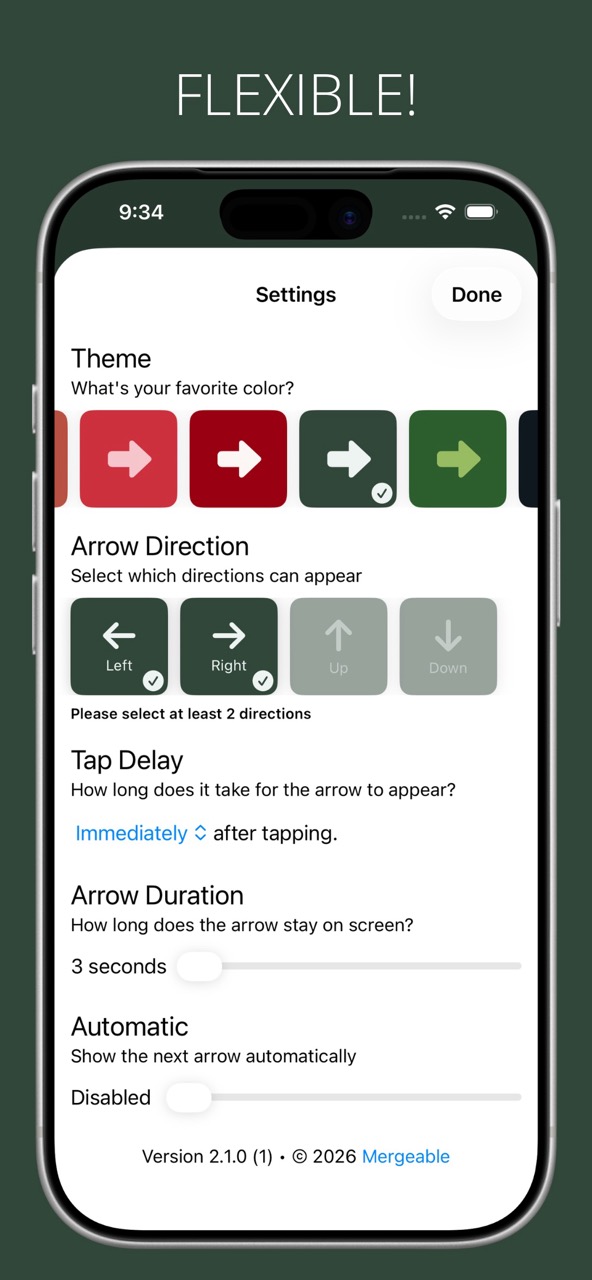
Yes. Press and hold to open settings, then turn on Up and Down alongside Left and Right. At least two directions have to stay selected, otherwise there is nothing to randomise between.
Yes. Turn on Automatic in settings and Randomizer shows the next arrow on its own every few seconds. Set it down at the front of a room, or on a bench at the gym, and let it run.
Press and hold the screen to reach settings. You can pick a colour theme or have the arrow change colour at random from a set you choose, decide which directions can appear, add a delay before the arrow shows up, set how many seconds it stays on screen, and switch automatic mode on or off.
Neither. Randomizer runs entirely on your device, works with no signal at all, and collects no information from its users. There is no account, no sign-up and no data stored on our servers.
Randomizer is a one-time purchase of US$0.99 on the App Store, and it is also available on Google Play. There is no subscription.